Your reseller account includes the OPSPI Reseller Admin Panel for creating hosting plans, managing customers, billing for services, accepting payments, and managing hosting resources.
You can get started in a few steps.
Brand Your Hosting Business
Start with Configurations → My Store.
Configure your business name and branding, including your logo, mailer logo, favicon, and store information.
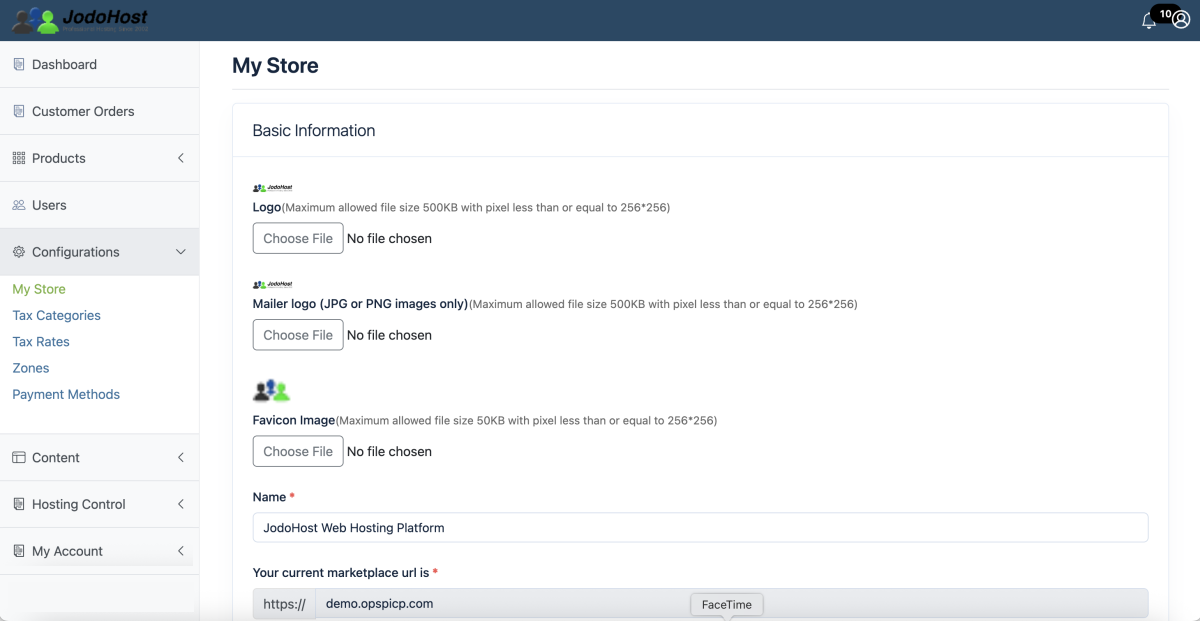
Your branding is used throughout your reseller platform and customer experience. You can also configure your private nameservers for hosting services under your own brand.
Connect Your Payment Account
Go to Configurations → Payment Methods and configure the payment provider you want to use for customer payments.
OPSPI supports multiple payment methods. Stripe, PayPal, and Authorize.net are the primary integrations that are fully tested and actively used.
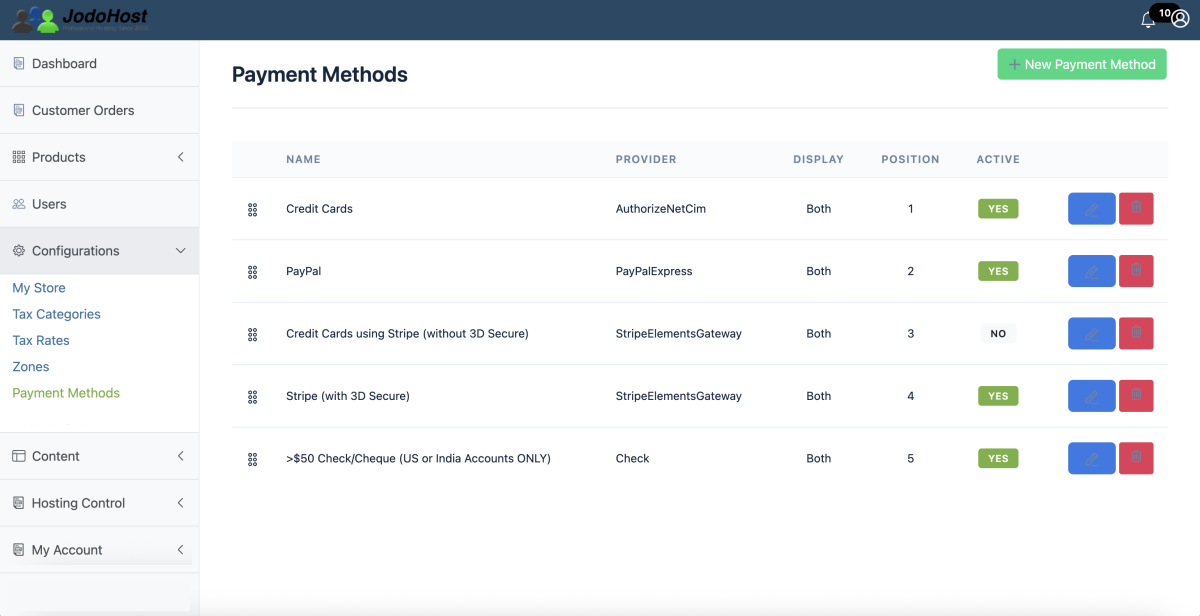
Payments are processed using your configured merchant account, allowing you to bill customers directly for the hosting services you sell.
Create Your Hosting Plans
Go to Products and create the hosting packages you want to sell.
Set the:
- Plan name and price
- Windows or Linux hosting type
- Subscription period
- Website/domain quota
- Storage/resources as applicable
- Email accounts
- FTP accounts
- MySQL/MSSQL databases
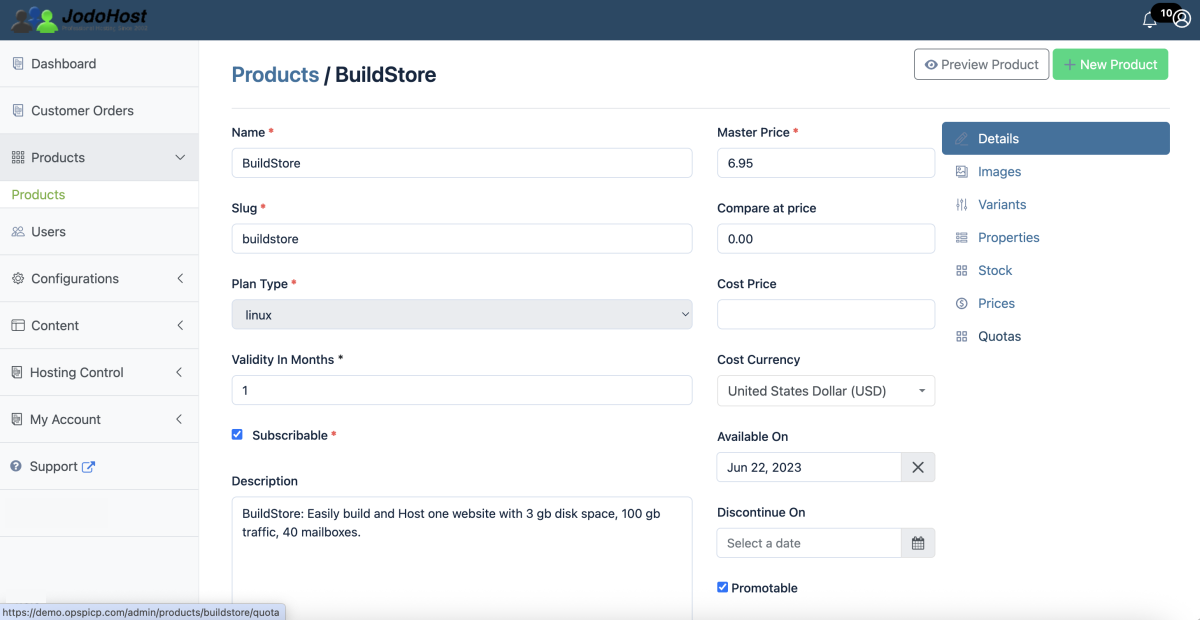
Define the resources included with each plan:
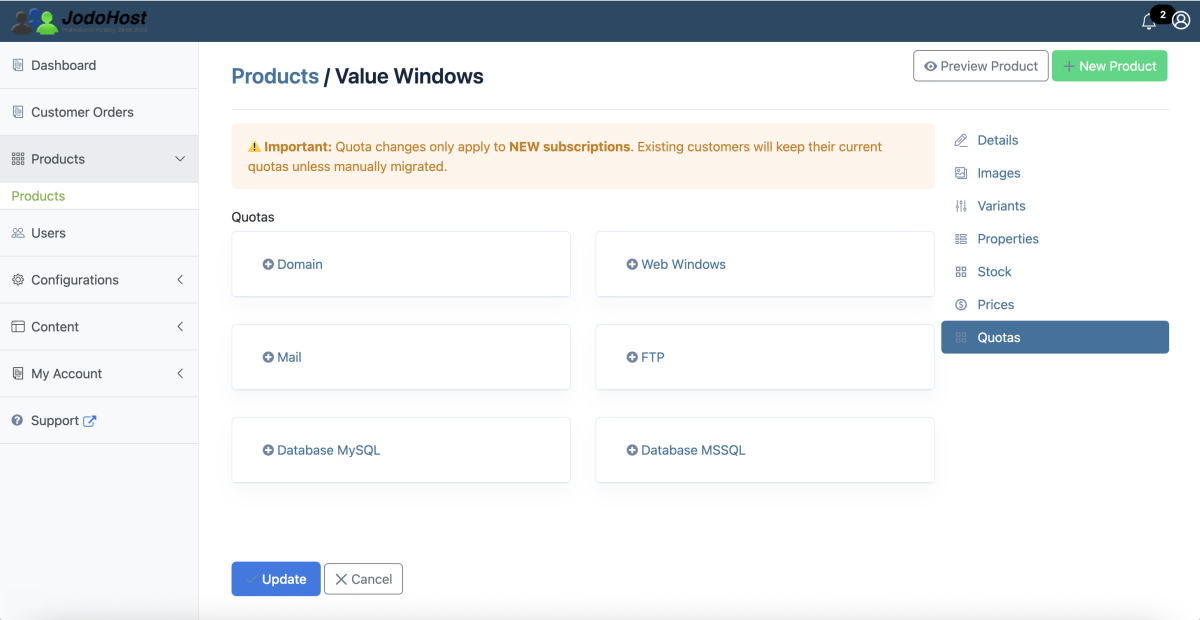
Create your own hosting plans, pricing, and resource limits
Start Selling
Once your plans, pricing, branding, and payment method are configured, customers can purchase your hosting services.
OPSPI connects the customer purchase and hosting provisioning workflow:
Customer → Order → Payment → Hosting Subscription → Provisioning
Reseller Admin Panel — Your business, plans, customers, orders, billing and payments.
OPSPI Hosting Dashboard — The customer's websites, DNS, email, databases, FTP, SSL, files and other hosting resources.
Customers receive their own account and OPSPI Hosting Dashboard for managing their websites and services, while you manage the business through the Reseller Admin Panel.
Review Customer Orders
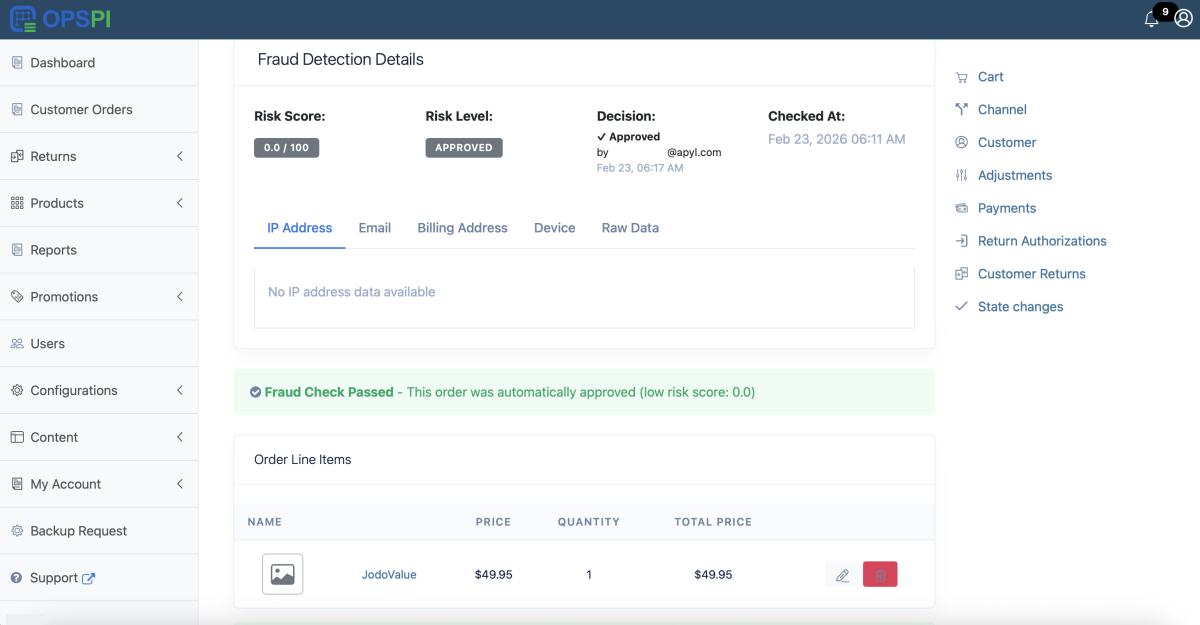
Customer orders appear in Customer Orders, where you can review purchases, payments, line items, status changes, fraud screening, and other order information.
Ready to Start Your Hosting Business!
You're ready to sell and manage hosting services through OPSPI. Your plans, customer accounts, orders, billing, payments, and hosting services can all be managed from the platform under your own brand.